1 Week Tanks
A personal project developed with one collaborator, constrained to a one-week timeline, primarily focused on gaining familiarity with Unity's Peer-to-Peer networking system.
Project Overview & Features
- Designed a functional main menu for game entry.
- Implemented a simple username and IP login system for peer-to-peer connection.
- Developed randomized player spawning for varied match starts.
- Created responsive tank movement controls.
- Integrated tank shooting mechanics.
- Designed VFX for projectile trails to enhance visual feedback.
- Ensured synced player spawns, shots, and deaths across the network.
- Implemented a real-time kill feed displaying who killed whom.
Skills & Technologies Applied
Learning & Growth
This project was an intensive learning experience, significantly deepening my understanding of Unity's Netcode for GameObjects and general networking principles in a real-time multiplayer context. I also gained valuable hands-on experience with Unity's VFX and particle systems, and reinforced my skills in event-driven programming.
Visuals & Code Snippets
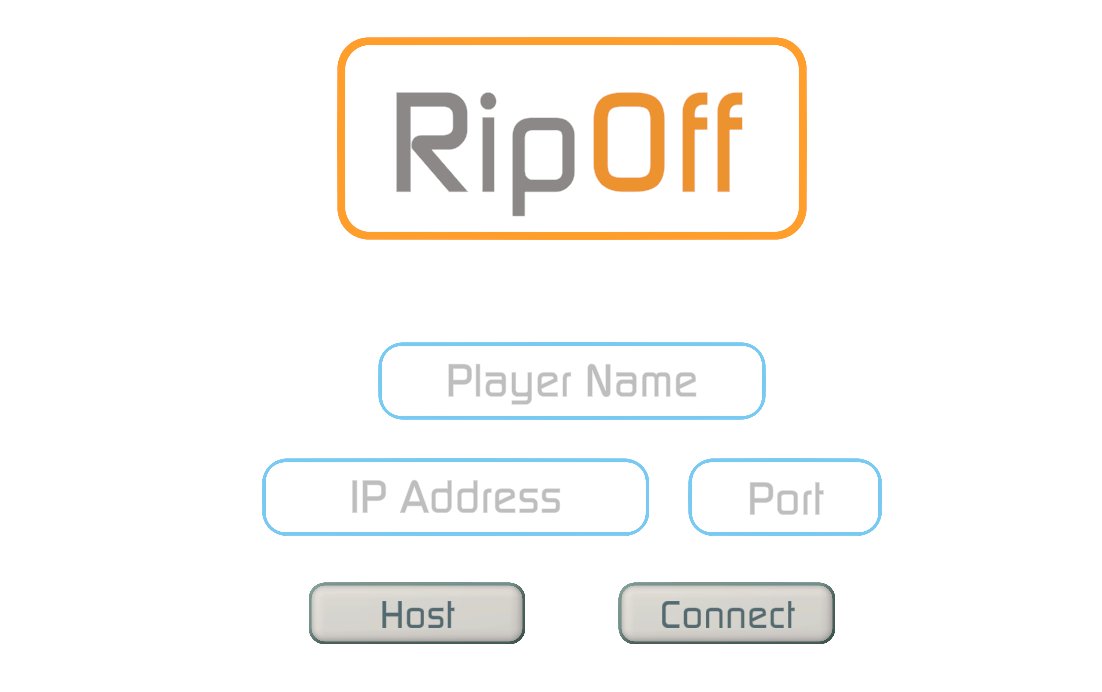
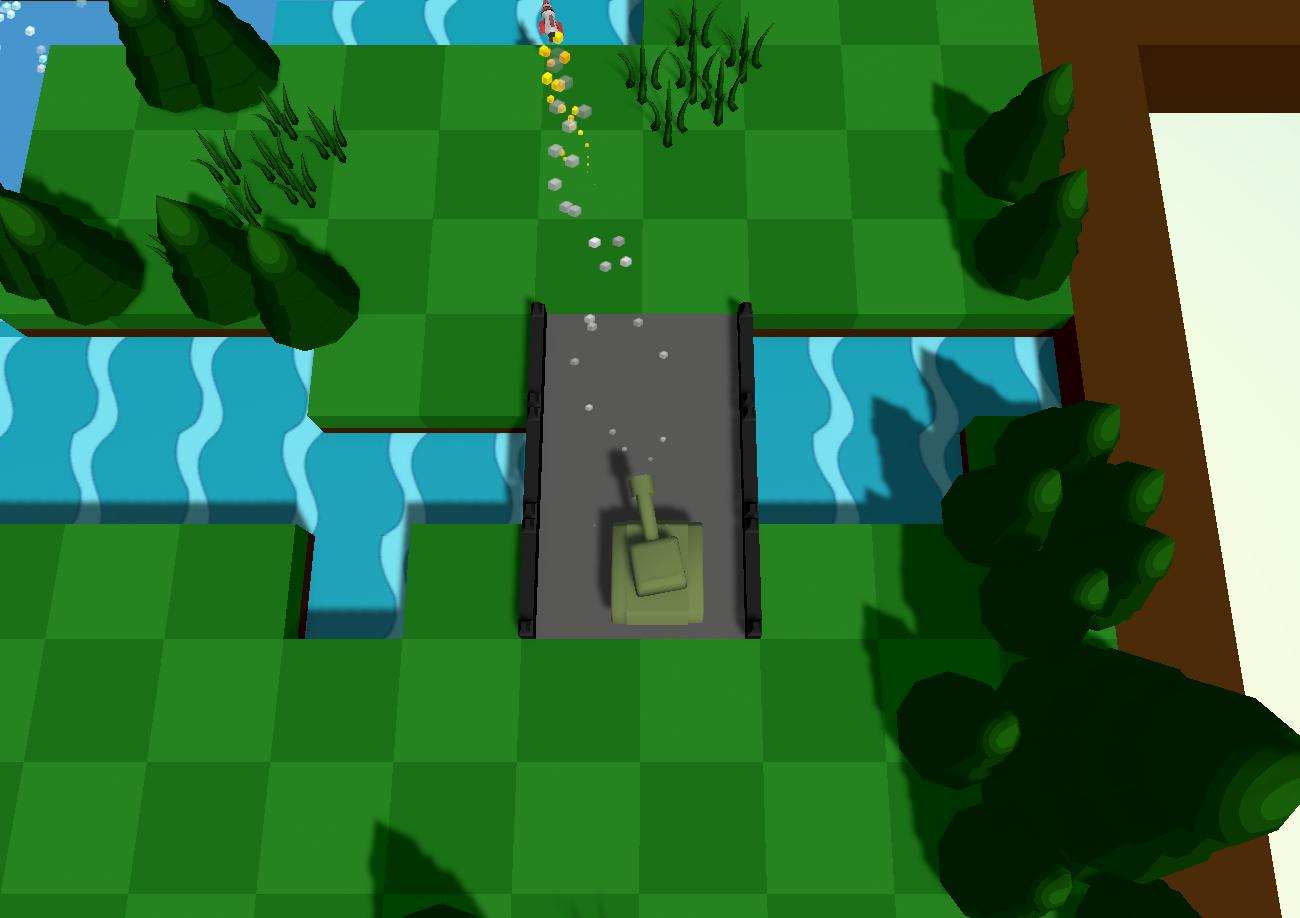
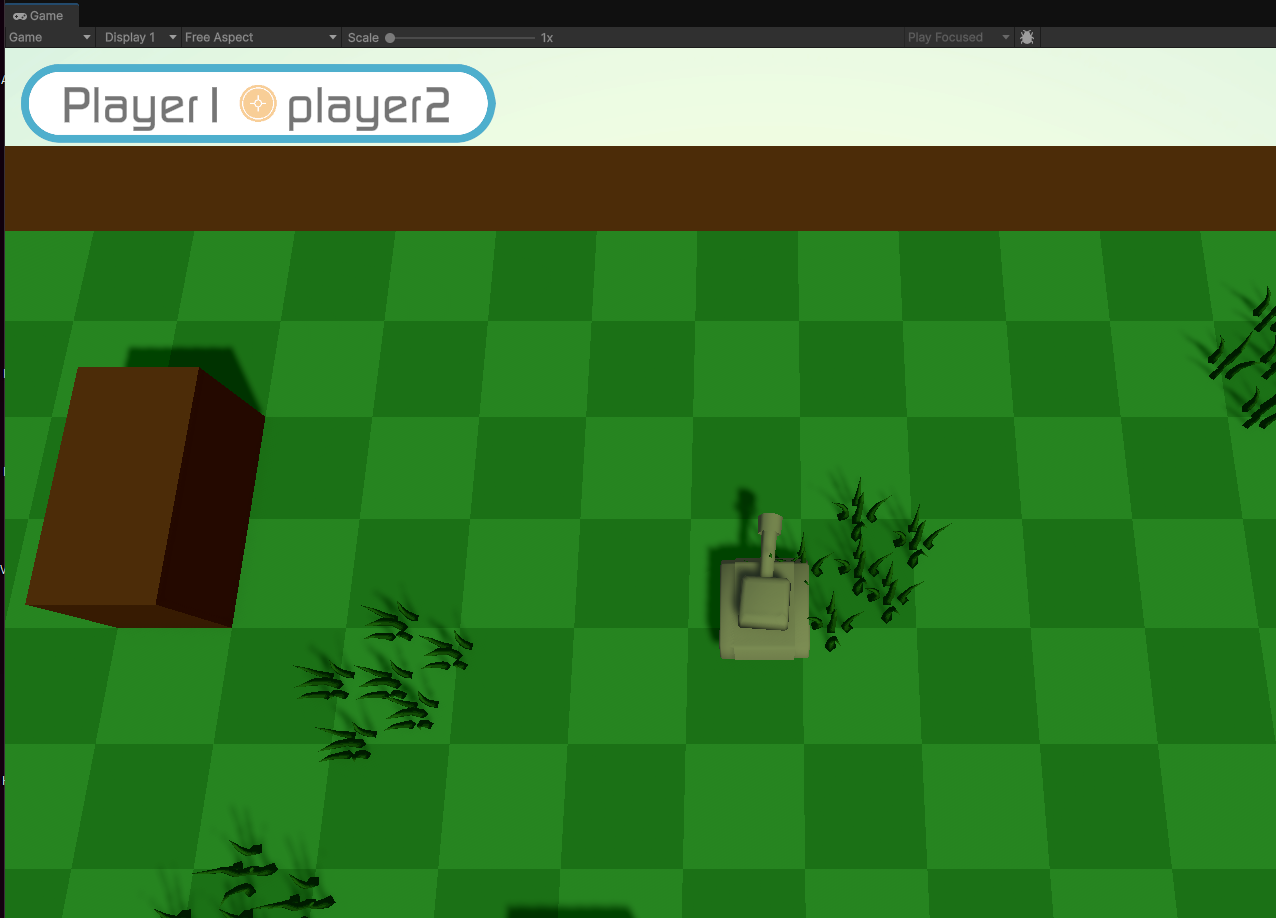
A collection of screenshots showcasing various aspects of the "1 Week Tanks" project. Scroll to view all images.
Code Snippet: DeathFeed (Kill Feed System)
public class DeathFeed : NetworkBehaviour
{
    [SerializeField]
    GameObject canvas;

    [SerializeField]
    GameObject KillFeedPrefab;

    [SerializeField]
    LobbyPlayerHandler playerHandler;

    [SerializeField]
    float feedItemDestroyDelay = 10f;

    public override void OnNetworkSpawn()
    {
        base.OnNetworkSpawn();
        canvas = GameObject.FindGameObjectWithTag("KillFeed");
    }

    public void UpdateStack(KillData incomingData)
    {
        //move the items upward to the next place
        //create the object, and place it as a child at the bottom. set it to destroy after a period.
        GameObject newItem = CreateKillFeedObject(incomingData);
        newItem.transform.SetParent(canvas.transform, false); //set the parent and let the layout do the rest
        StartCoroutine(DestroyFeedItemAfterDelay(newItem));
    }

    IEnumerator DestroyFeedItemAfterDelay(GameObject objectToDestroy)
    {
        yield return new WaitForSeconds(feedItemDestroyDelay);
        GameObject.Destroy(objectToDestroy); //i specify cause original said obj not GO
    }

    //struct to contain info about a kill feed
    public struct KillFeedItem
    {
        public string Killer;
        public string Victim;
        public GameObject KillFeedObject;

        public KillFeedItem(string killer, string victim, GameObject killFeedObject)
        {
            Killer = killer;
            Victim = victim;
            KillFeedObject = killFeedObject;
        }
    }

    /// <summary>
    /// Creates a kill feed object and populates both is varaibles and its prefab with the incoming data needed to display.
    /// </summary>
    /// <param name="incomingData"> incoming <see cref="KillData"/> struct from the <seealso cref="KillTracker"/></param>
    /// <returns>A kill feed item to be used in the vertical layout group.</returns>
    public GameObject CreateKillFeedObject(KillData incomingData)
    {
        //setup prefab
        GameObject kfObject = Instantiate(KillFeedPrefab);
        Transform parentOfTexts = kfObject.transform.GetChild(0);
        TMP_Text killerTitle = parentOfTexts.GetChild(0).GetComponent<TMP_Text>();
        TMP_Text victimTitle = parentOfTexts.GetChild(1).GetComponent<TMP_Text>();
        Debug.Log("killdata");

        //getting strings from the dictionary
        FixedString32Bytes killerUserName = new();
        killerUserName = playerHandler.LocateUsernameFromID(incomingData.inflictor);
        FixedString32Bytes victimUserName = new();
        victimUserName = playerHandler.LocateUsernameFromID(incomingData.inflictee);

        //converting fixed strings to strings
        string killerUser = killerUserName.ToString();
        string victimUser = victimUserName.ToString();
        Debug.Log(victimUser + " is the victim");

        //setting text of prefab
        killerTitle.text = killerUser;
        victimTitle.text = victimUser;

        //create the prefab

        return kfObject;
    }
}
This C# script manages the in-game kill feed for "1 Week Tanks". The script dynamically creates and displays kill feed messages, showing who eliminated whom, and automatically removes them after a set delay.